
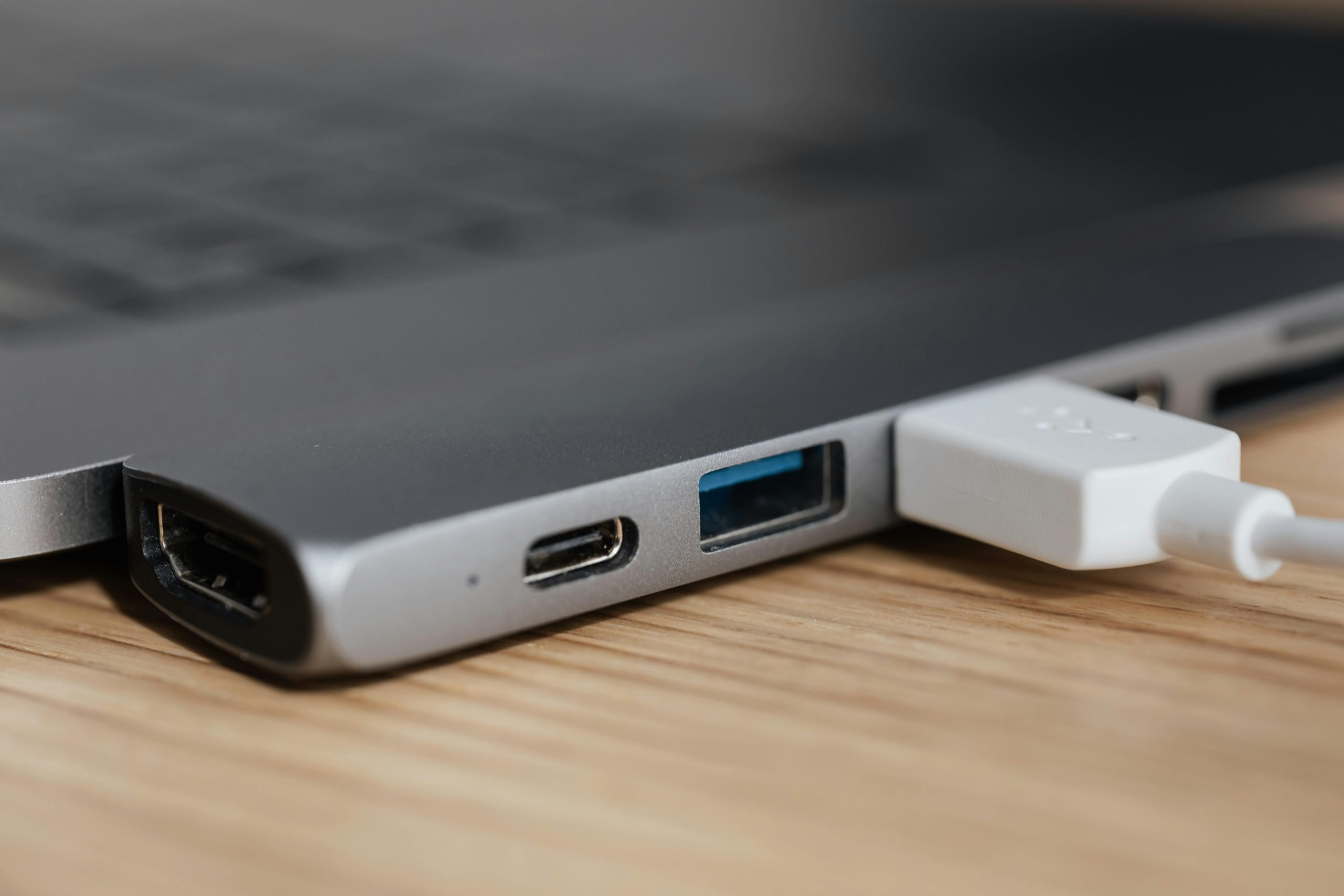
The goal of a modern “system” is to remove friction. In the home office, friction usually looks like a bird’s nest of cables, five different power bricks, and a laptop that takes ten minutes to “plug in” every morning.
In 2026, the technology has finally caught up to the dream. Thanks to Thunderbolt 5 and USB4 v2, you can now run an entire high-performance workstation—dual 4K monitors, 10Gb Ethernet, studio audio, and ultra-fast storage—through one single cable.
Here is your step-by-step guide to building the ultimate single-cable system.
1. The Core Standard: Why Thunderbolt 5?
If you are building this system in 2026, Thunderbolt 5 is the only logical choice for professionals.
- The Bandwidth: It delivers 80 Gbps of bidirectional speed, doubling what was possible just a few years ago.
- The “Boost”: When you are pushing multiple high-res screens, it can hit 120 Gbps in “Bandwidth Boost” mode.
- The Power: It supports up to 240W of power delivery. This is the “holy grail”—it means even powerful gaming or workstation laptops can now be charged by the dock alone.
2. The Brain: Choosing Your Dock
The dock is the heart of the system. In 2026, we have three clear “System Verdict” winners:
The Professional Choice: CalDigit TS5 Plus
The successor to the legendary TS4. It features 20 ports and a massive 330W power supply.
- Highlight: It is the only dock with dual 10Gbps USB controllers, ensuring that plugging in a fast SSD doesn’t slow down your webcam or keyboard.
The Cleanest Aesthetic: Satechi CubeDock
A compact, cube-shaped hub that fits perfectly under a monitor or next to a Mac Studio.
- Highlight: Features a built-in NVMe SSD slot in the base, allowing you to add up to 8TB of silent, “invisible” storage directly to the dock.
The Value King: Plugable T5-Dock
Plugable has mastered the “all the features, half the price” model.
- Highlight: Reliable triple-monitor support and 140W charging for under $300.
3. The Display System: Dual 4K at 144Hz
In the past, dual 4K setups were often limited to 60Hz. In 2026, Thunderbolt 5 allows you to run Dual 4K at 144Hz (or even triple 4K at 144Hz) without any compression or lag.
- The Verdict: Look for monitors with DisplayPort 2.1 support. This ensures they can handle the full “Bandwidth Boost” of your new dock.
4. Step-by-Step Implementation
- Mount the Dock Under the Desk: Use a mounting bracket to hide the dock and its power brick under your desk surface.
- Route All Peripherals to the Dock: Connect your monitors, speakers, 10Gb Ethernet, and webcam to the back of the hidden dock.
- The “One Cable” Exit: Run a single, high-quality Thunderbolt 5 Pro Cable through a desk grommet to your workspace.
- Cable Management: Use a “J-Channel” or cable tray to secure the wires under the desk so they are completely invisible from a standing or sitting position.
5. Comparison: 2026 Single-Cable Tech
| Feature | Thunderbolt 4 (Old) | Thunderbolt 5 (2026) |
| Data Speed | 40 Gbps | 80 – 120 Gbps |
| Max Power Out | 100W | 240W |
| Display Support | Dual 4K @ 60Hz | Triple 4K @ 144Hz |
| External GPU | Bottlenecked | Near-Internal Speeds |
The System Verdict
The “Single-Cable Office” is no longer a luxury—it is a productivity necessity. By consolidating your power, data, and video into one Thunderbolt 5 link, you reduce mental clutter and physical mess.
Verdict Score: 9.8/10 (The cleanest, most efficient way to work in 2026).

